H ShowcaseCommunityHandyman
Handyman
Points at the real element on your screen and says what to do next, out loud.
 by @gurul
Hackathon SF
What it does
Docs and product tours describe a version that no longer exists. Handyman looks at your actual screen, points an animated hand at the right element and tells you what to do next, out loud.
How it works
- Screenshot the live page. Guidance is generated from the interface as it renders right now.
- Plan and ground the next step. A computer-use model finds the real element.
- Point and narrate. An animated hand shows it; a voice explains it. It works on sites nobody wrote a tour for.
Built with
In the team's words
Software changes constantly and the help never keeps up. Docs, screenshots, and scripted product tours are written once, about a version that no longer exists, and they cannot see the page you are on. Handyman looks at the same screen you do: it screenshots the live page, asks a computer-use model to plan and ground the next action, then points an animated hand at the real element and narrates it aloud. Guidance is generated from the interface as it renders right now, so it cannot go stale, and it works on sites nobody wrote a tour for.
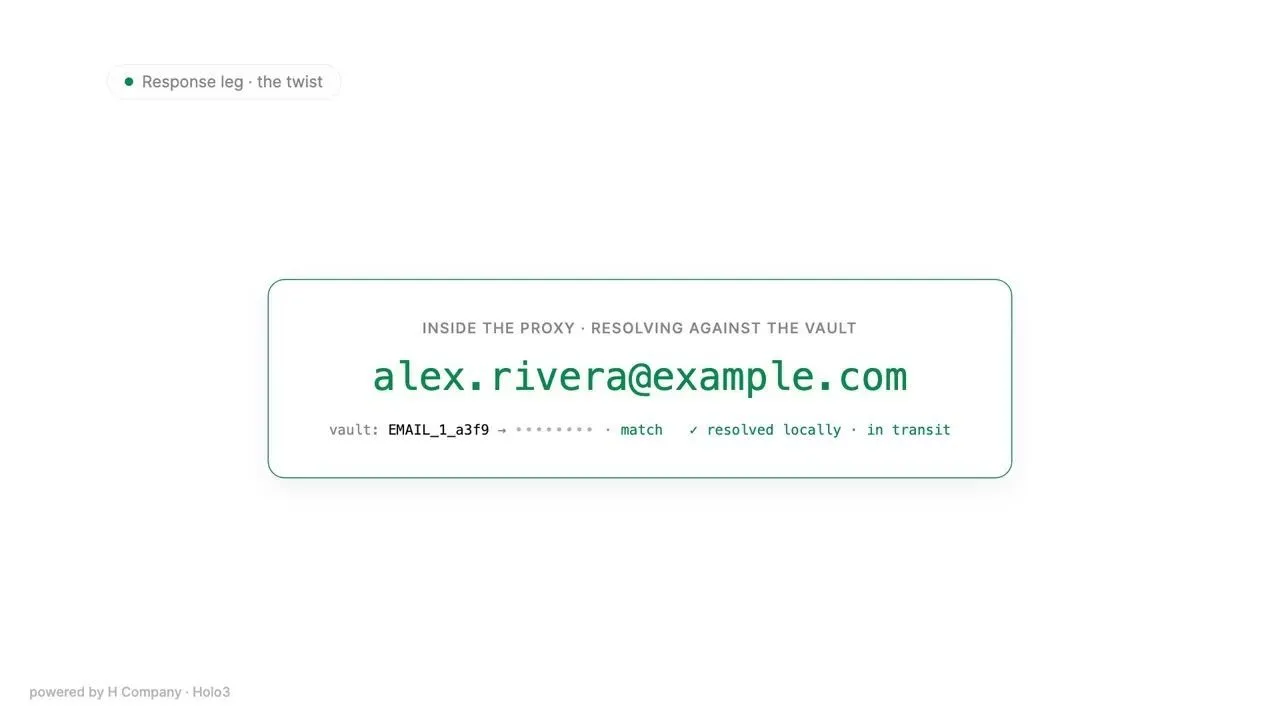
Privacy Layer for Visual Agents
Redacts every screenshot on-device before it reaches a computer-use model.
 by @dael-amz
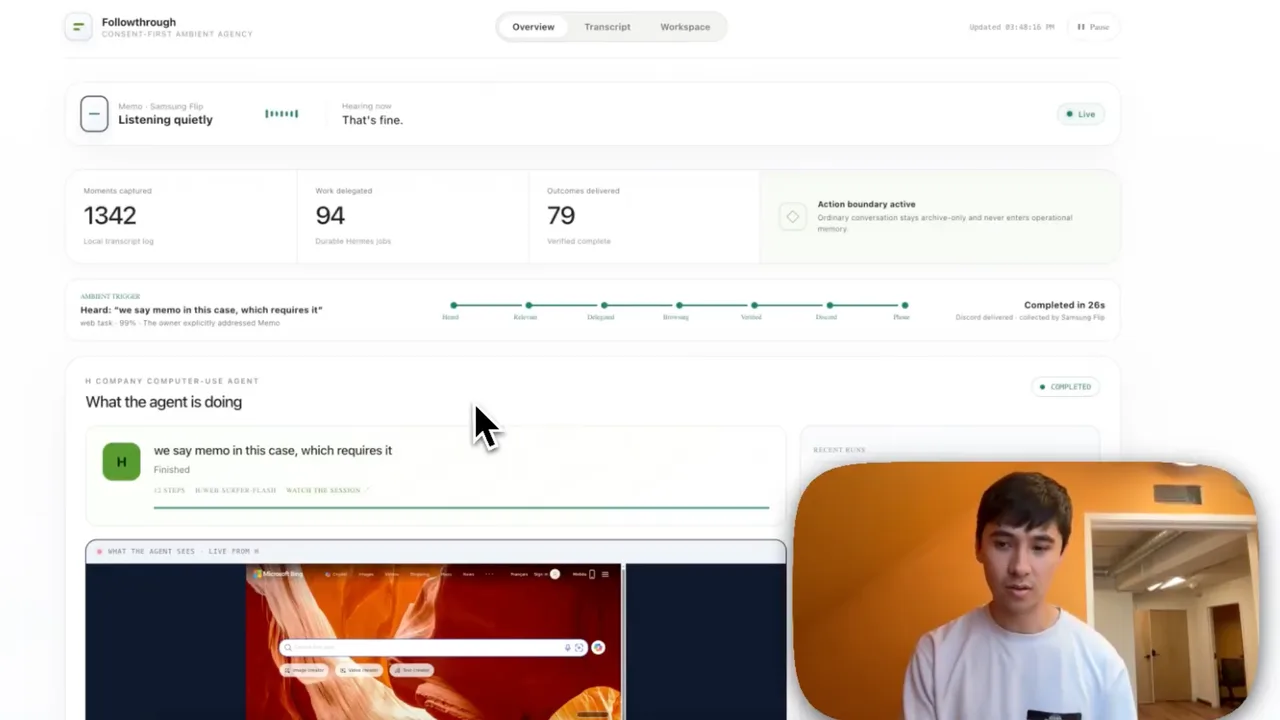
FollowThrough
A consent-first BizDev agent that turns conversations into researched actions.
 by @yhinai
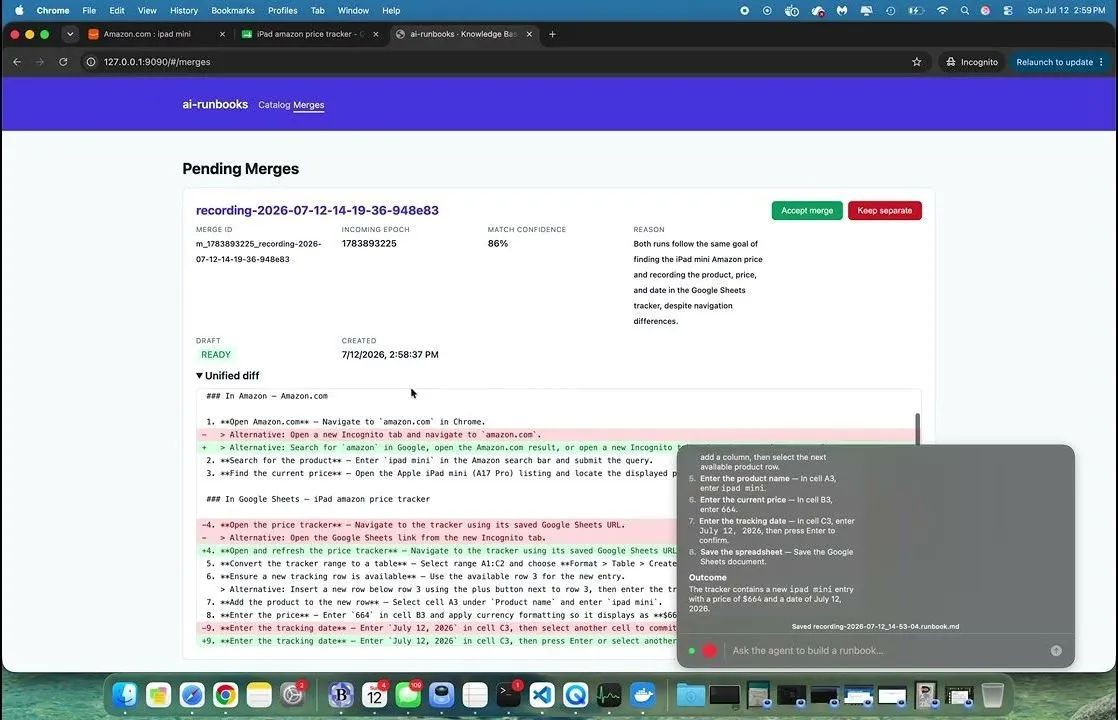
AI Runbooks
Turns screen recordings into runbooks an agent can replay and check step by step.
 by @omkarpat