H ShowcaseCommunityHolo Forge
Holo Forge
Record a narrated video of a task, get back a reviewable desktop automation.
 by @exemplary-citizen
Hackathon SF
What it does
Instead of sending engineers to document a process, an expert records a narrated video of the task and sends it over Telegram. Holo Forge turns it into a reviewable automation that runs on macOS, even in legacy apps with no API.
How it works
- Record and send. A narrated video of the task, sent through Telegram.
- Forge the skill. Gradium transcribes it; NemoClaw and Hermes turn the evidence into a versioned, reviewable automation.
- Approve, then run. HoloDesktop executes the workflow on macOS, across legacy applications.
- Stay in control remotely. Inputs, approvals and status come back as Telegram buttons.
Built with
In the team's words
HoloForge turns human know-how into reusable desktop automation. Instead of sending engineers to observe employees, document processes, and manually build integrations for siloed software, a domain expert simply records a narrated video of the task and sends it through Telegram. Gradium transcribes the demonstration, while NemoClaw and Hermes analyze the evidence and forge it into a reviewable, versioned automation skill. Once approved, HoloDesktop executes the workflow directly on macOS—even across legacy applications without APIs. Runtime inputs, approvals, and status updates are handled remotely through Telegram buttons.
In our demo, HoloForge reads return requests from Apple Mail, extracts case IDs, opens a custom legacy returns application, reviews each case, writes the appropriate internal decision, and completes the resolution workflow.
HoloForge transforms undocumented institutional knowledge into automation that can be taught once, governed safely, and run repeatedly.

AI Teaching Assistant
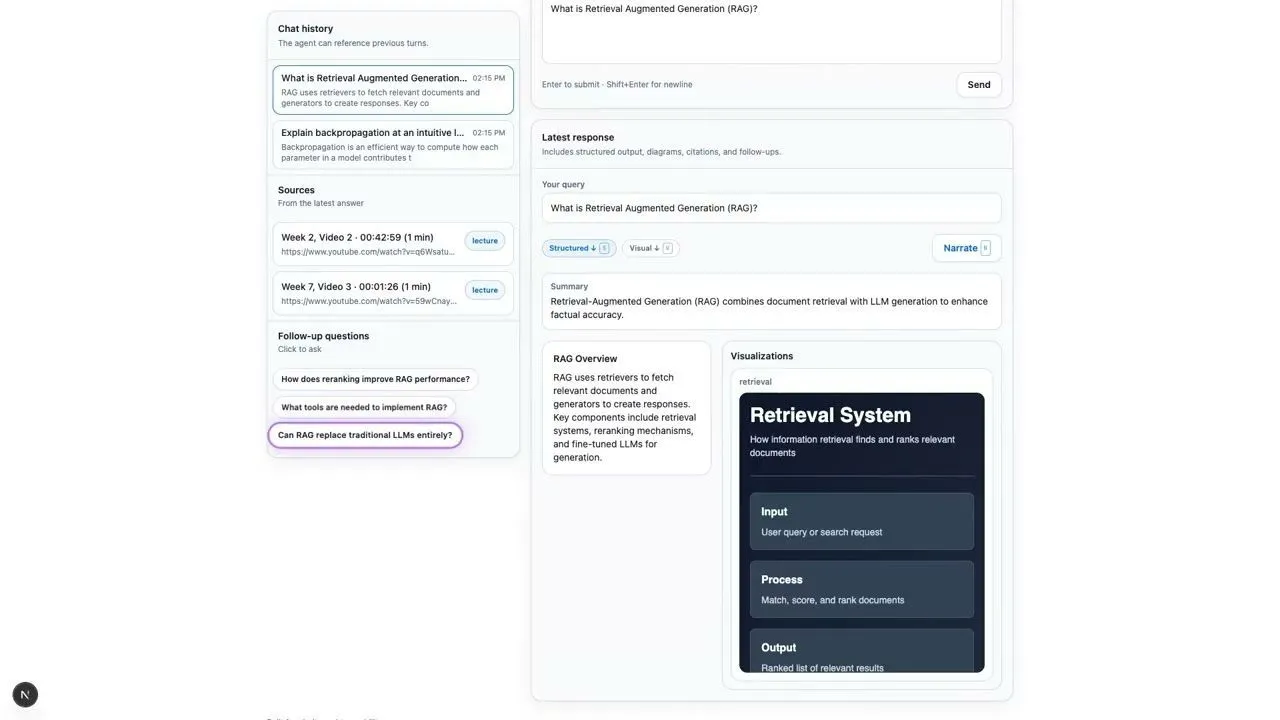
A tutor built on real course lectures, with Holo showing the steps on screen.
 by @shmogli
Snowglobe
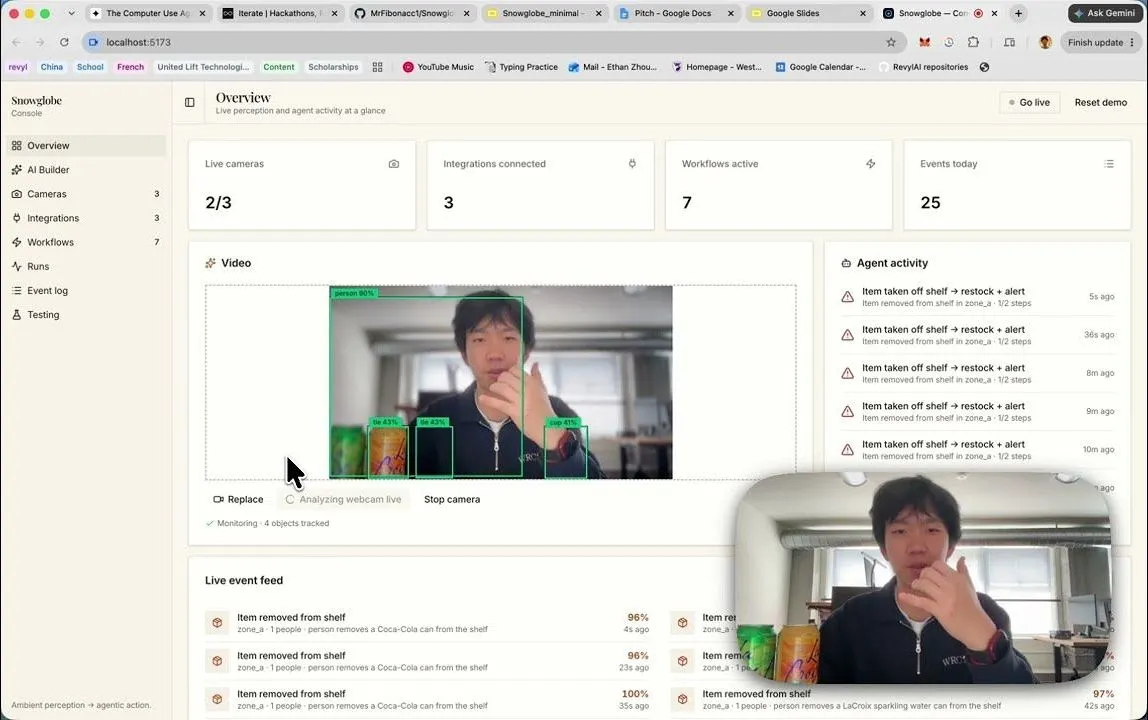
Agents behind existing store cameras that act before anyone notices a problem.
 by @MrFibonacc1